What I’ve Built
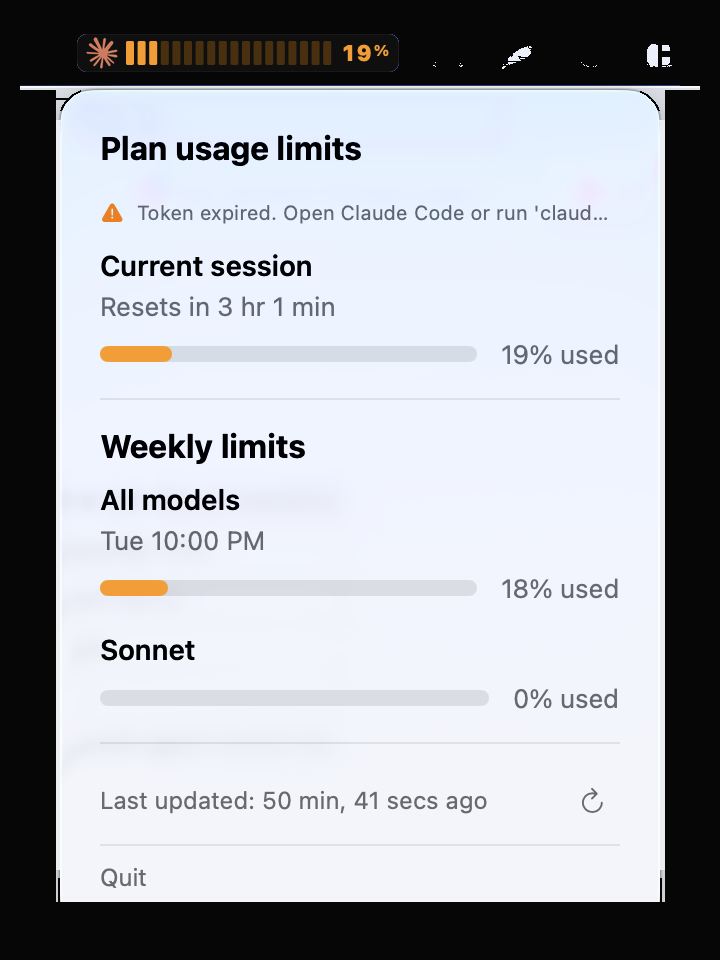
Token Usage Widget
A custom macOS menu bar widget that traces AI token consumption in real time. One glance — you know exactly where you stand. Saves money, keeps you efficient.
The Problem
AI subscriptions have usage limits. I kept opening a browser to check — am I close? How much is left? That’s 10 interruptions a day. I wanted one glance, always visible, no effort.
The Solution
A native macOS widget that lives in the menu bar. Retro-digital design inspired by vintage electronics. Updates every 60 seconds, shows session and weekly usage with per-model breakdowns. No browser, no clicking — just look up.
Why It Matters
Customizable for any person or team. Maintainable — when the API changes, I fix it the same day. It’s simple, beautiful, and it works every day. That’s what a good tool looks like.
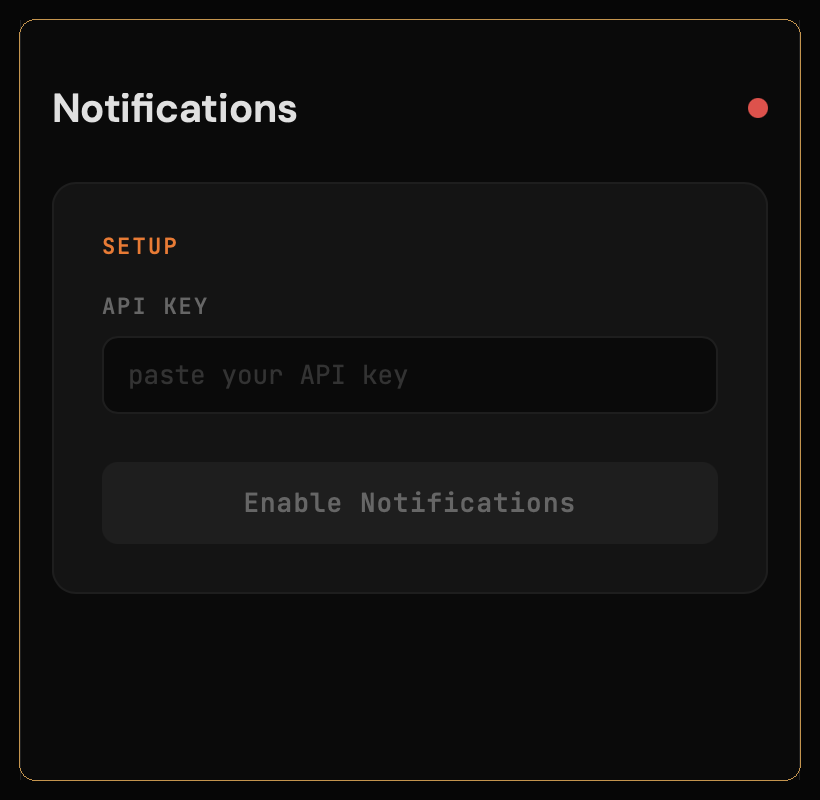
Push Notifications for iPhone
A self-hosted PWA that sends push notifications to your iPhone — no Apple Developer account needed. Personal domain, fully private, fast to customize.
The Problem
Sending push notifications to an iPhone normally requires an Apple Developer account ($99/year), app review, and weeks of setup. I just wanted a simple way to ping myself — task reminders, limit resets, system alerts. Nothing in the App Store did exactly what I needed.
The Solution
A Progressive Web App on my own domain. Add it to your home screen, allow notifications — done. The back-end handles scheduling, the front-end is a clean mobile interface. No app store, no review process, no subscription. You own everything.
Why It Matters
It’s private — your data stays on your server. It’s fast to build and customize for any use case: appointment reminders, order alerts, team notifications. Simple, maintainable, and it costs almost nothing to run.